Layout
Studio
25-key keyboard, wheels, program controls, knobs, faders, buttons and X-Y control.


Studio, Performance and Control layouts for touch, pointer and computer-keyboard workflows.
Available on the App Store for iPad, iPhone, and Mac
 For iPad and iPhone
 For Mac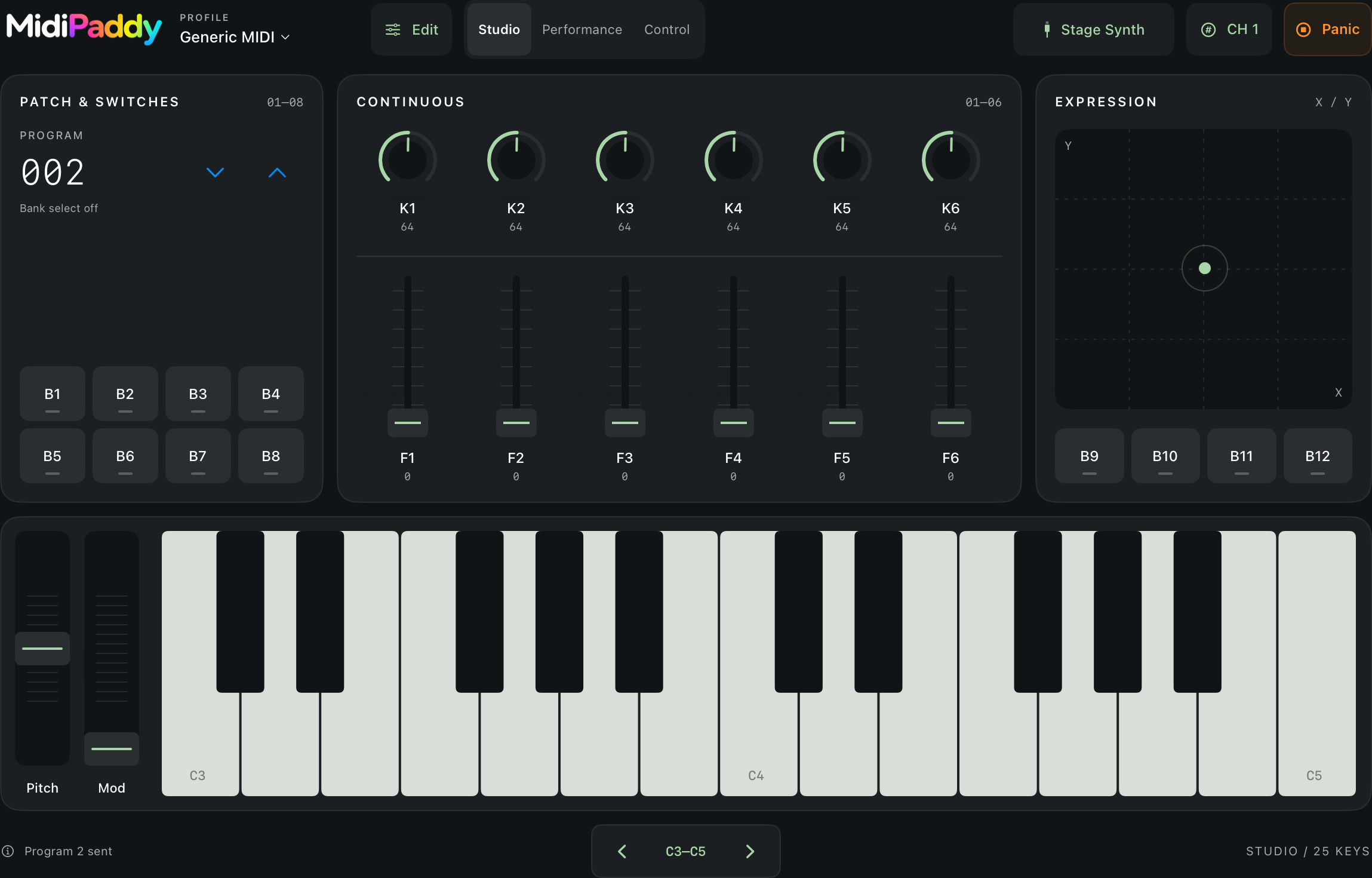
App Store · iPad, iPhone, and Mac
Layout
25-key keyboard, wheels, program controls, knobs, faders, buttons and X-Y control.
Layout
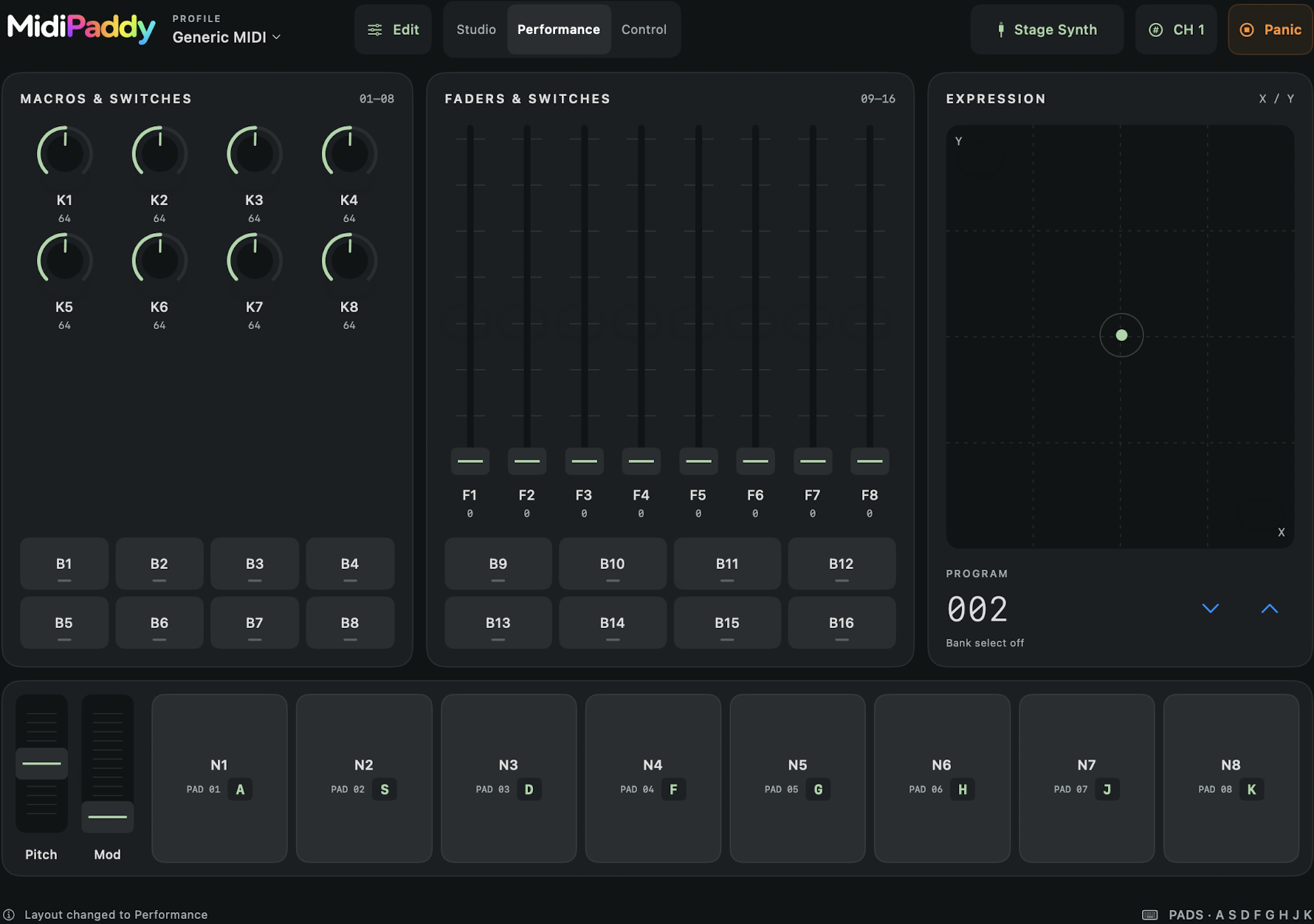
Large note pads and expressive controls, with A–K pad shortcuts on Mac.
Layout
The densest collection of assignable controls, plus A–K pad shortcuts on Mac.
Routing & mapping
Connect through Bluetooth MIDI, a USB MIDI interface, compatible hardware, network MIDI or another app through Core MIDI. Select multiple outputs, create local profiles, start from Generic MIDI and capture compatible messages with MIDI Learn.
Safety
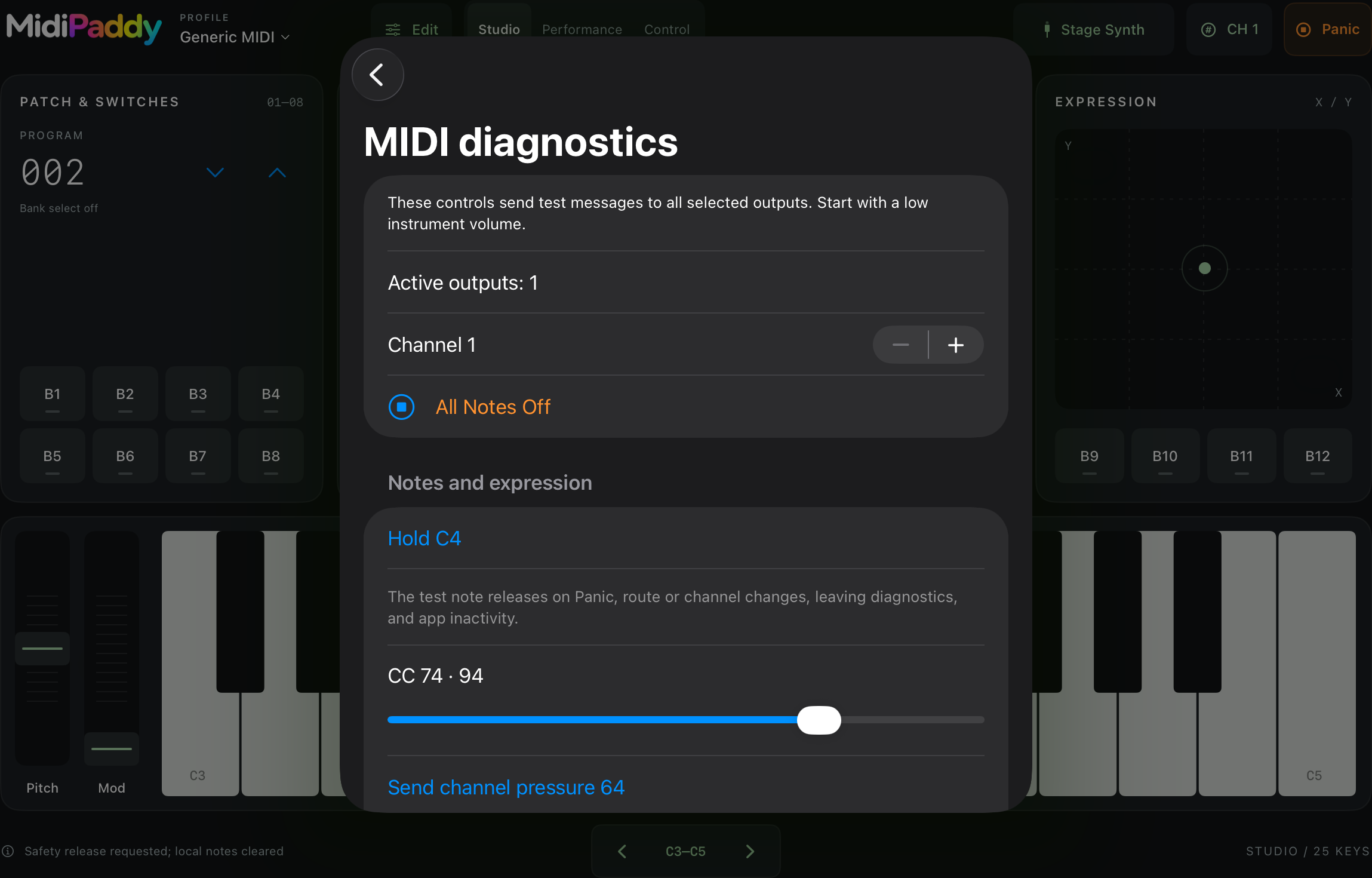
Panic releases tracked notes and sends MIDI All Notes Off (CC 123, value 0) on all 16 channels to currently selected, available outputs. A disconnected receiver may still require its own reset.
New in iOS 1.1
Compact Studio, Performance and Control layouts work in portrait and landscape on iPhone. Octave and program controls remain within reach in every layout. Version 1.1 is available for iPad and iPhone.
New on Mac
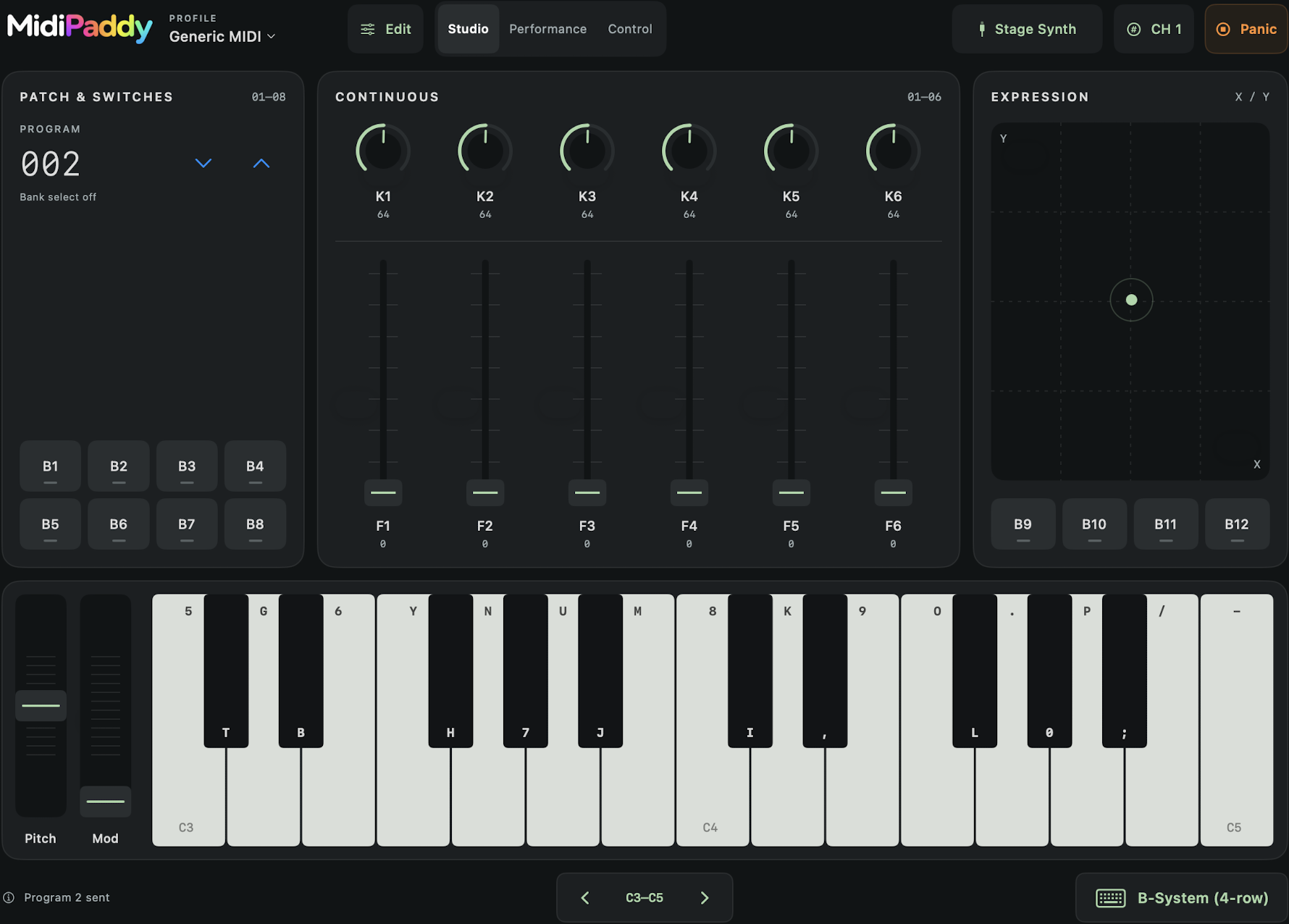
MidiPaddy for Mac is an installed Mac Catalyst desktop app—not a web app and not merely the iPad app running on Apple silicon. Play polyphonic chords using three computer-keyboard layouts, on-piano key labels, configurable Shift velocity and octave shortcuts.
In Performance and Control, use A S D F G H J K to play the eight pads. Each pad shows its assigned letter, and the shortcuts support multiple simultaneous keys for chords.
Build 4 adds the 43-note B-System layout, extends Split hands and DAW two-row, and adds arrow-key octave and program navigation. The keyboard menu beneath Studio selects the Mac keyboard layout.
Improved on iPad and Mac
Octave buttons respond across the full area surrounding their arrows. Program controls now use down and up arrows instead of minus and plus, with equally generous clickable areas.
iPad supports polyphonic touch, glissando, Impact velocity and finger-slide Polyphonic Aftertouch. Mac adds polyphonic typing-key performance with three layouts and configurable Shift velocity.
Individual VoiceOver piano keys, full-region controls, Switch Control, increased contrast, reduced motion and practical Dynamic Type coverage.
No account, ads, analytics, tracking or third-party SDKs. Profiles, assignments and preferences stay in the app’s local container.
Requirements